Sign-up & Sign-in
Open the workbench
Open the user site in a browser (www.yunpeihua.com in production) — you land on the public homepage first, where you can browse features and plan pricing. Click “Enter Workbench” at the top right; unauthenticated visits then redirect to the login page.
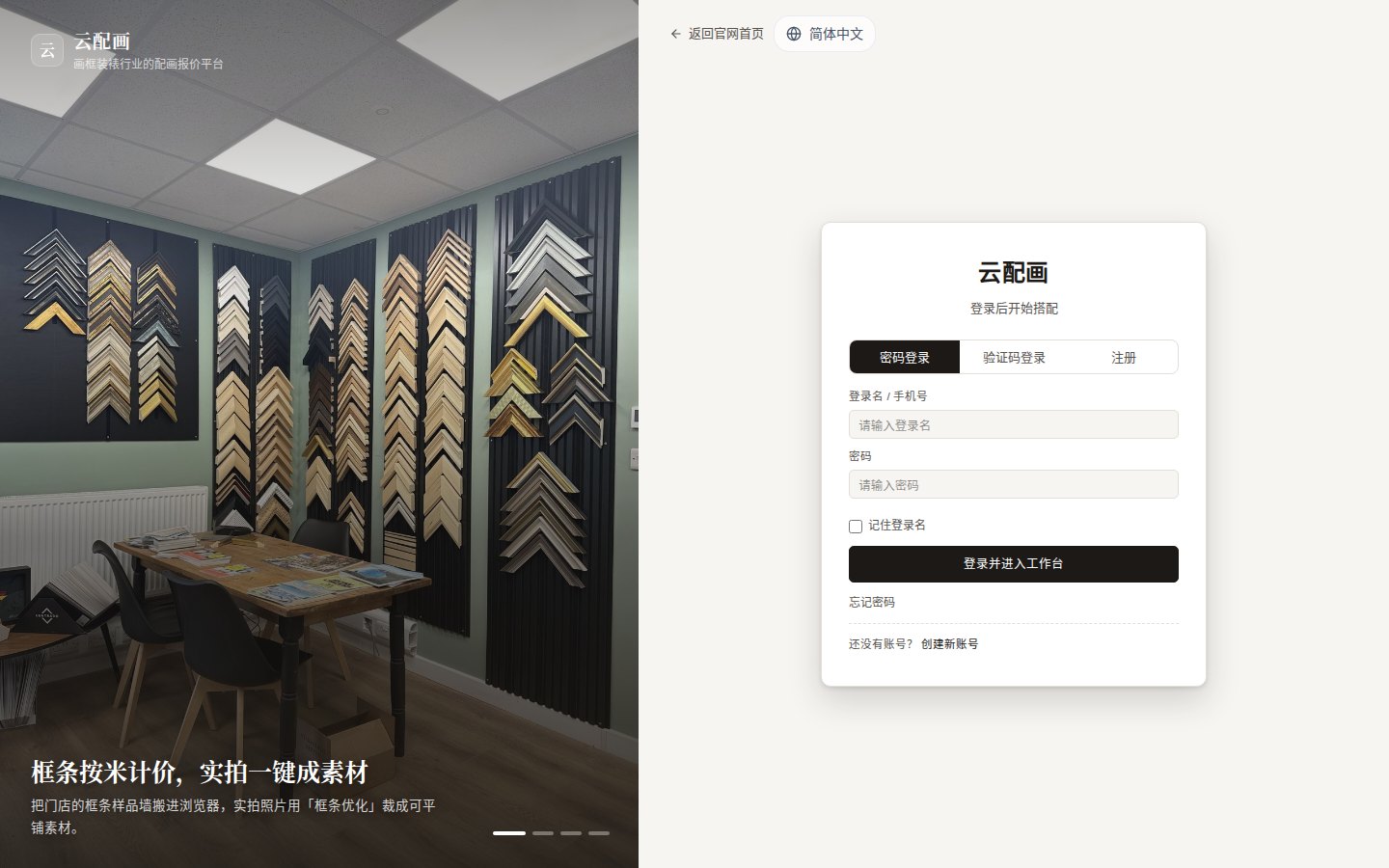
The login page is split in two: a promotional carousel on the left, and on the right a form with three tabs — Password / Code / Register — plus a language switcher (简体中文 / English / 日本語 / 한국어) at the top right.
Password sign-in
- Enter your login name (mobile number) and password;
- Optionally tick “Remember login name”;
- Click “Sign in”.
- Forgot your password? Use “Forgot password”;
- No account yet? Use “Create a new account”.
Code sign-in
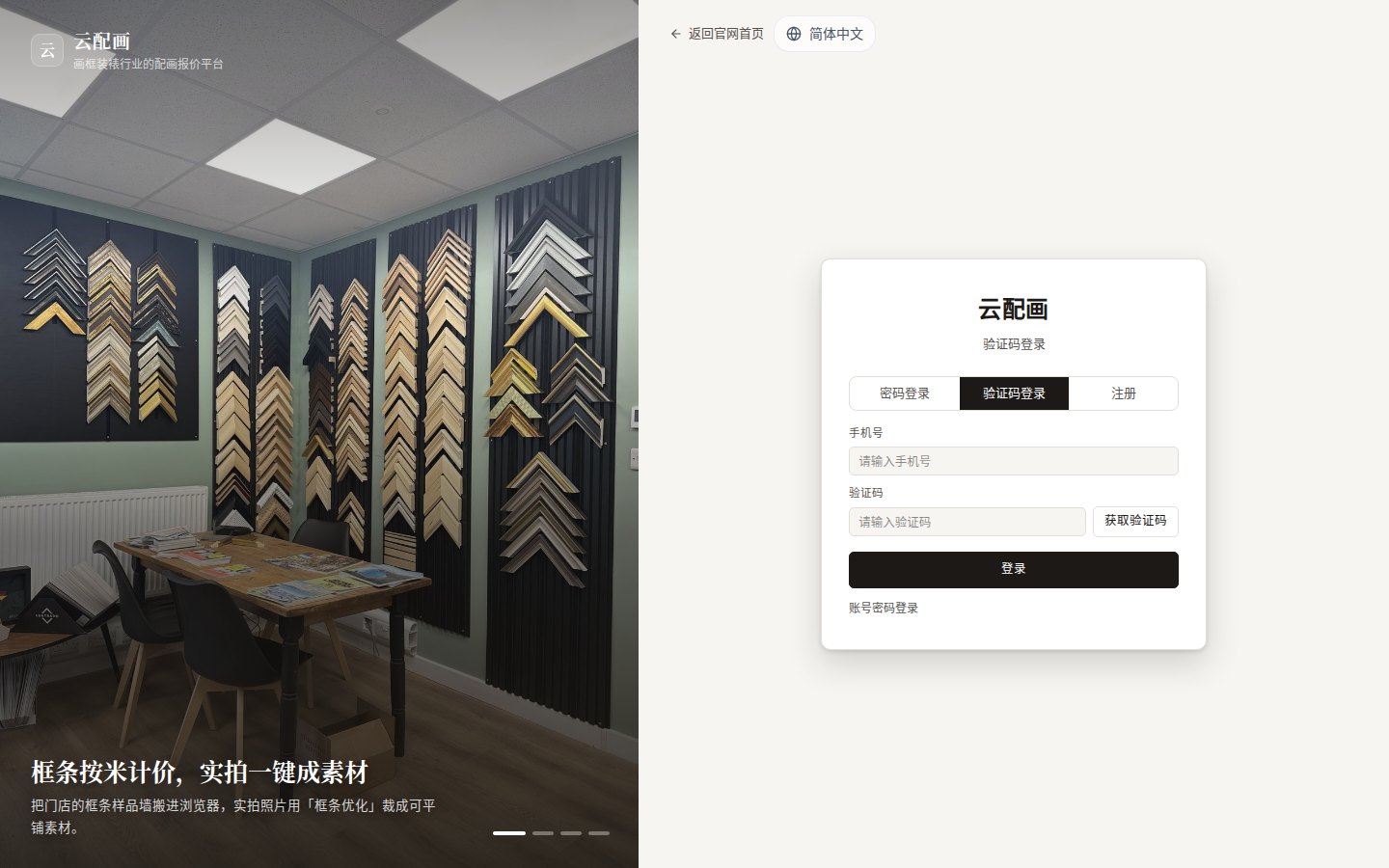
- Switch to the “Code” tab and enter your mobile number;
- Click “Get code” and enter the SMS code;
- Click “Sign in”.
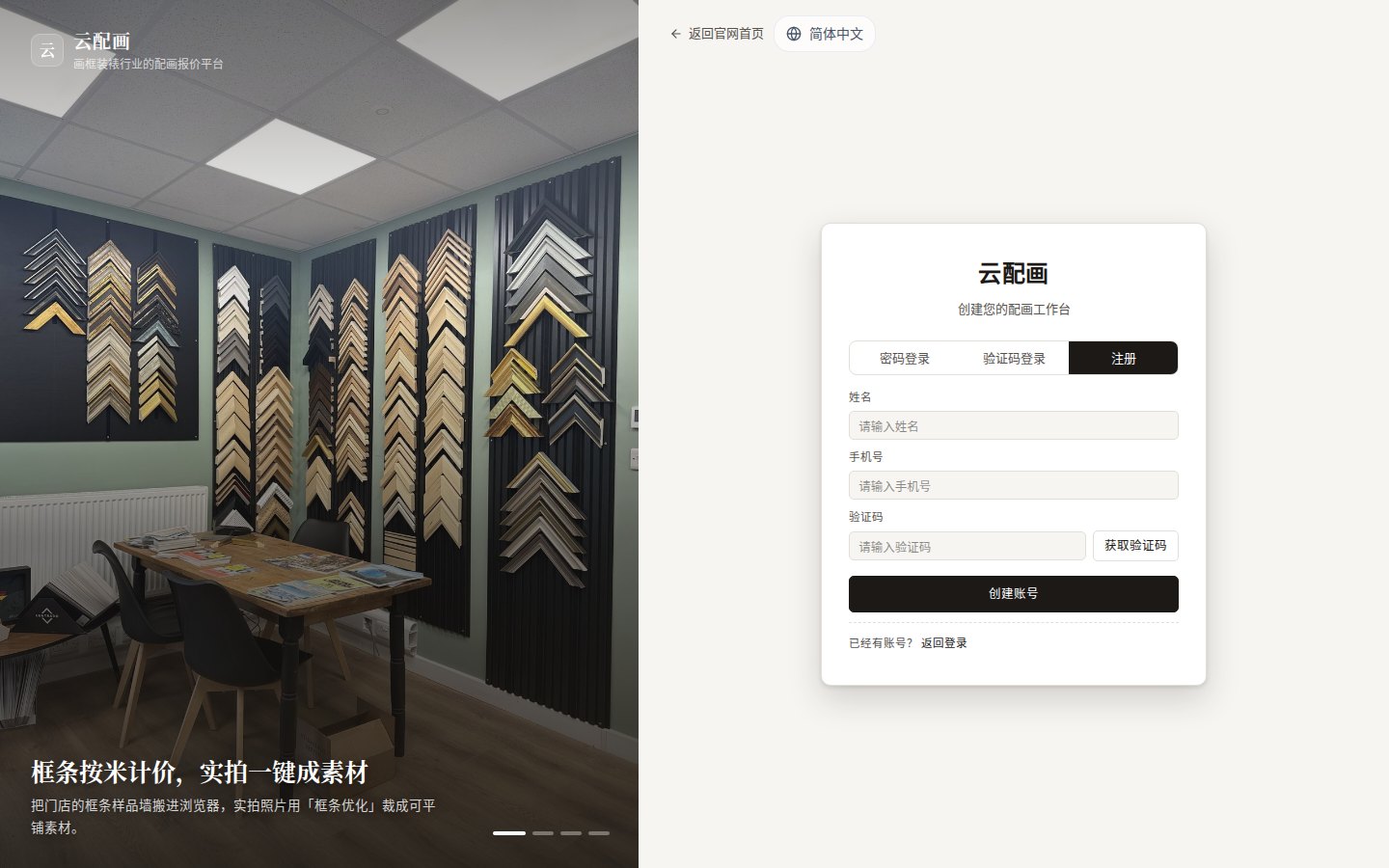
Register a new account
- Switch to the “Register” tab;
- Enter your name and mobile number, then request an SMS code;
- Click “Create account”.
After a successful registration the system:
- generates a 6-digit initial password and sends it by SMS;
- creates your default project;
- grants a starter asset pack: 2 example pictures (Mona Lisa, Starry Night), 5 frame strips, 5 mats, 2 fillets plus matching materials — so you can try framing immediately.
- Registering through an invite link (containing
?invite=CODE) binds the referral automatically; both sides receive credit rewards, see Referral;- No need to type the invite code manually; an already-registered number shows “number already exists”.
Reset password
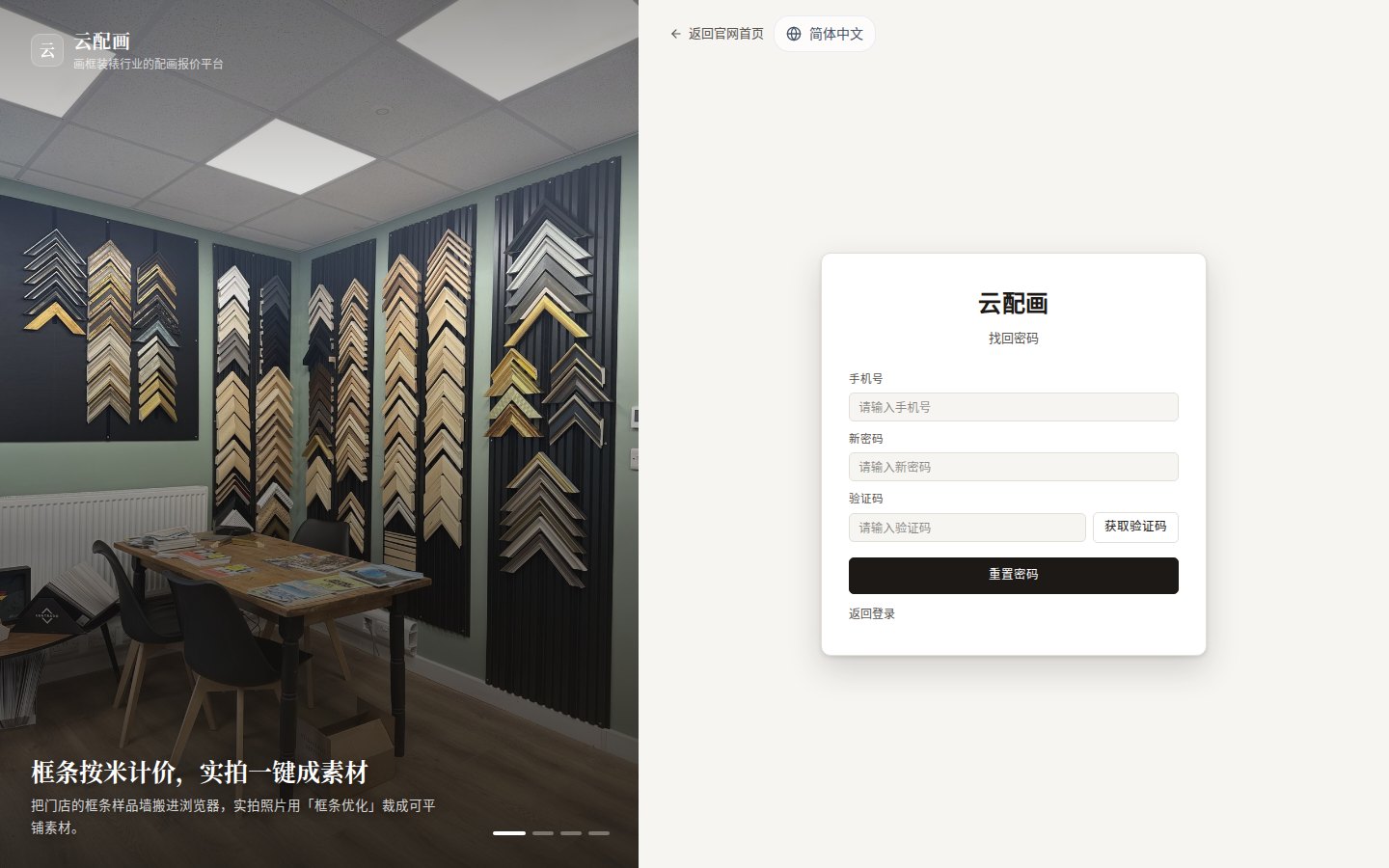
On the login page click “Forgot password”, enter your mobile number + new password + SMS code, then sign in with the new password.
After signing in
You land on the Framing Workbench. You can change your password anytime from the user menu (see Preferences).