Preferences
Entry: user menu → “Preferences” (or mobile “More” → Preferences).
Branding
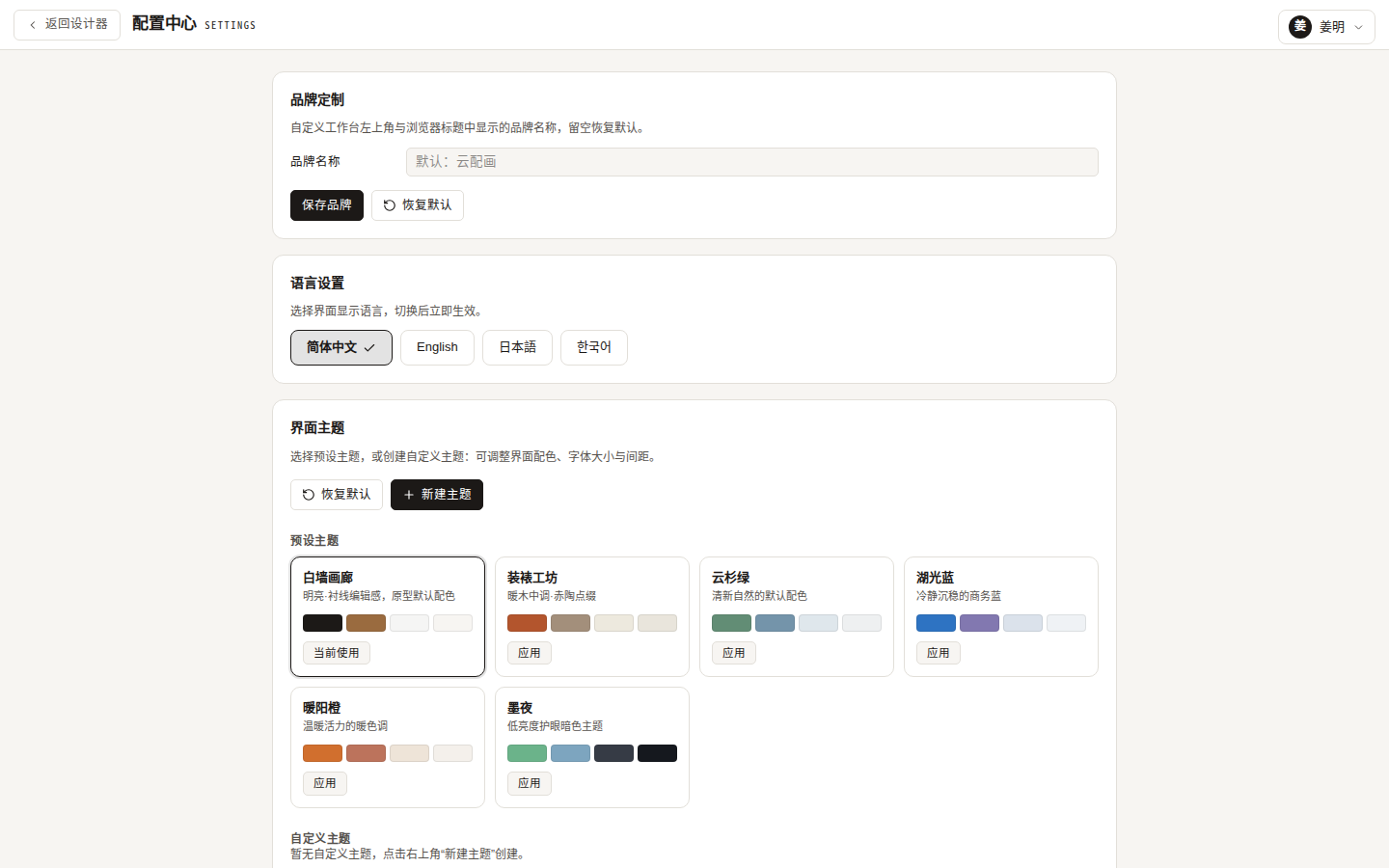
Change the brand name shown in the workbench top bar and the browser title (empty restores the default “云配画”). Handy for shops demoing under their own brand.
Artgle Backup Import
Import pictures, frames, mats, frame materials and scenes from an Artgle (天画) “Data Backup” .jar file into your account — see Artgle Backup Import.
Desktop App
Desktop app only: shows the current version with a manual “Check for updates” action; once downloaded, “Install & restart now” applies it. See Updating the App.
Language
Four interface languages: 简体中文 / English / 日本語 / 한국어. Switching applies instantly and persists. The login page has the same switcher.
Themes
Six built-in themes (White-wall Gallery / Framing Workshop / Spruce / Lake Blue / Warm Orange / Ink Night) with apply / edit / delete.
“New theme” or “Edit” opens the theme editor:
- Theme name (unique);
- Primary / secondary / accent / background colors (pickers);
- Font size (85%–130%), spacing (85%–130%), corner radius (4–24px);
- Live preview; “Save & apply” takes effect immediately.
Up to 10 custom themes; “Restore default” resets everything.
Password
Available from preferences, the user menu, and mobile “More”. Requires the current password and the new password twice; effective immediately.
Sign out
User menu → “Sign out”, confirm by clicking again (the label changes to “Confirm sign out?”).