Dealer Console
YunPeiHua gives art-material businesses a built-in dealer program: once approved, you get your own storefront in the online mall, publish pictures / frame strips / mats as online resources, and buyers browse and download them straight into their framing library. The dealer console shows live view/download/usage analytics, with built-in messaging for buyer inquiries.
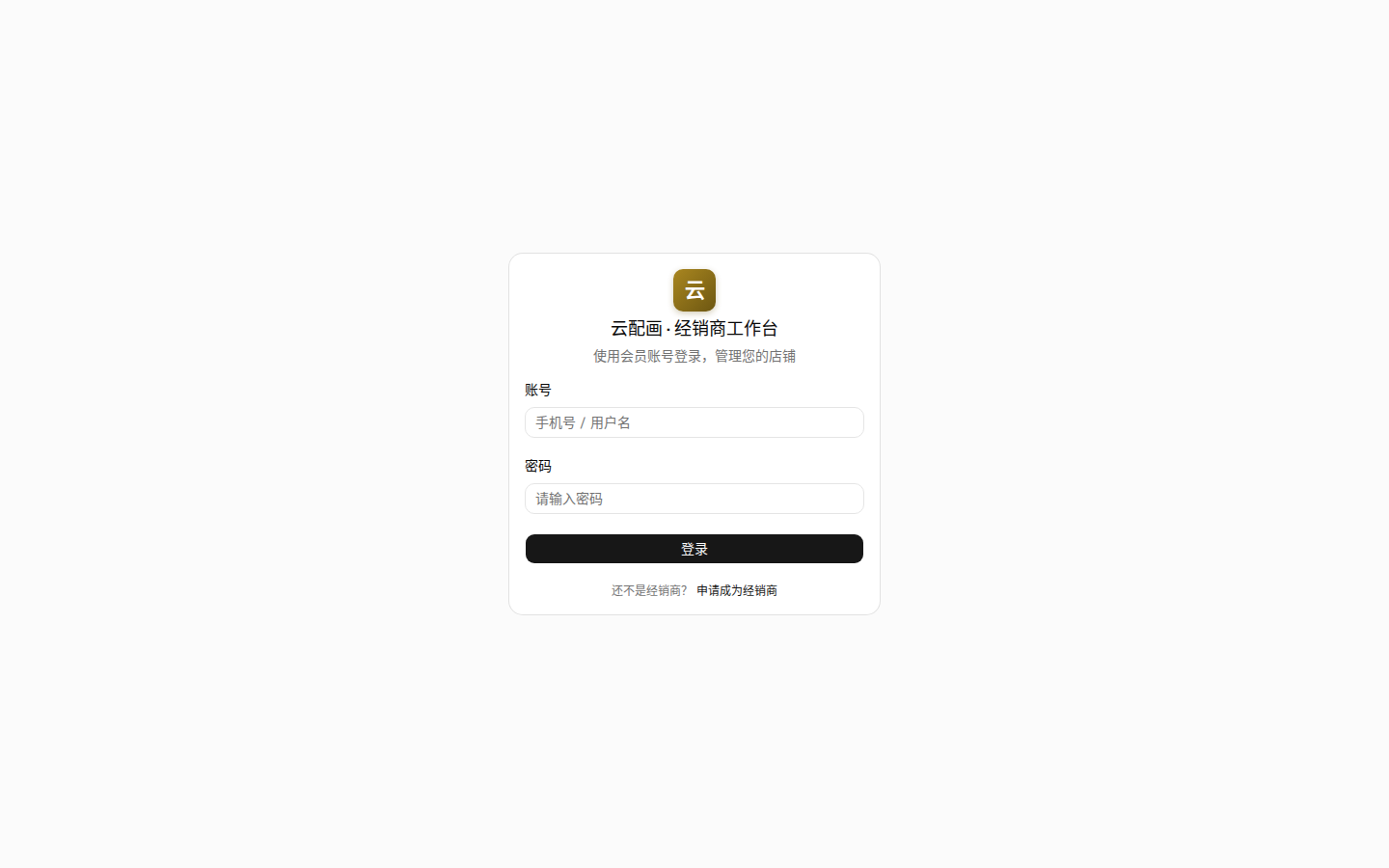
Applying
Open the Dealer Console and click “Apply as a dealer” at the bottom of the login page. The form has three sections:
- Dealer info: dealer name (required), contact person, phone, region, business description — platform-side qualification, invisible to buyers;
- Store info: store name (required), store phone, address, description — visible to mall buyers;
- Login info: choose a login name and password (at least 6 characters) for the console.
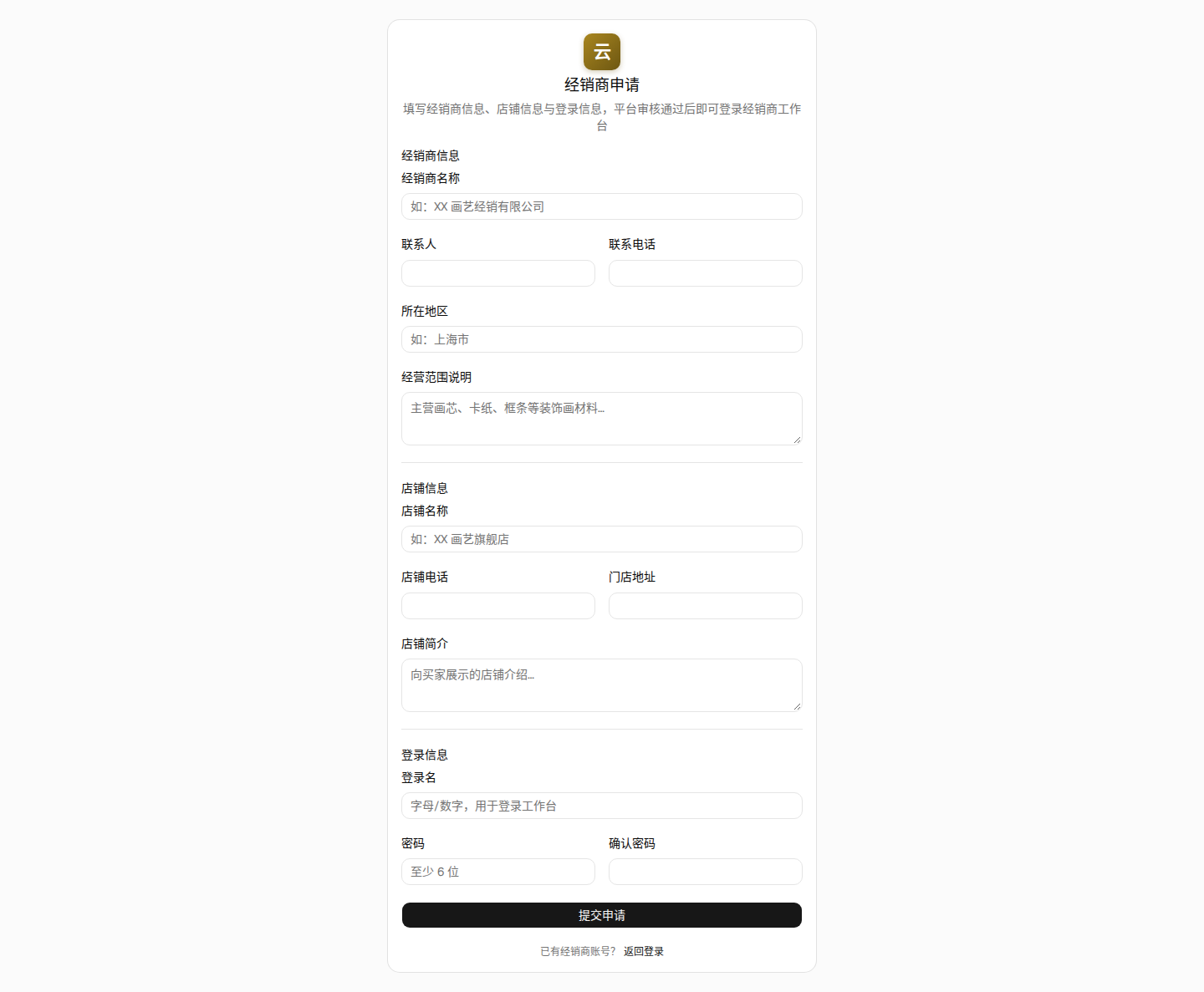
After submitting, wait for platform review. Once approved you can log in; rejected applications include a reason and can be revised and resubmitted.
How the mall works
- Buyers shop at www.yunpeihua.com/mall (visible to logged-in members): browse stores → open product details → download resources into their framing library;
- Only approved, on-sale products appear in the mall; store profile changes require re-review, during which your on-sale products are hidden temporarily;
- Buyer views, downloads and framing usage all feed your analytics — fully anonymized: you see times and resources only, never buyer identities.
Console at a glance
The left sidebar has six groups:
| Group | Pages | Purpose |
|---|---|---|
| Business | Dashboard | View/download/usage stats and trend chart |
| Messages | Chat with buyers (unread badge) | |
| Picture / Frame / Mat | Lists + materials | Publish and manage the three product types, material vocabulary |
| Analytics | Downloads / Views / Usages | Anonymized detail records |
| Settings | Store settings, password | Store profile and qualification |
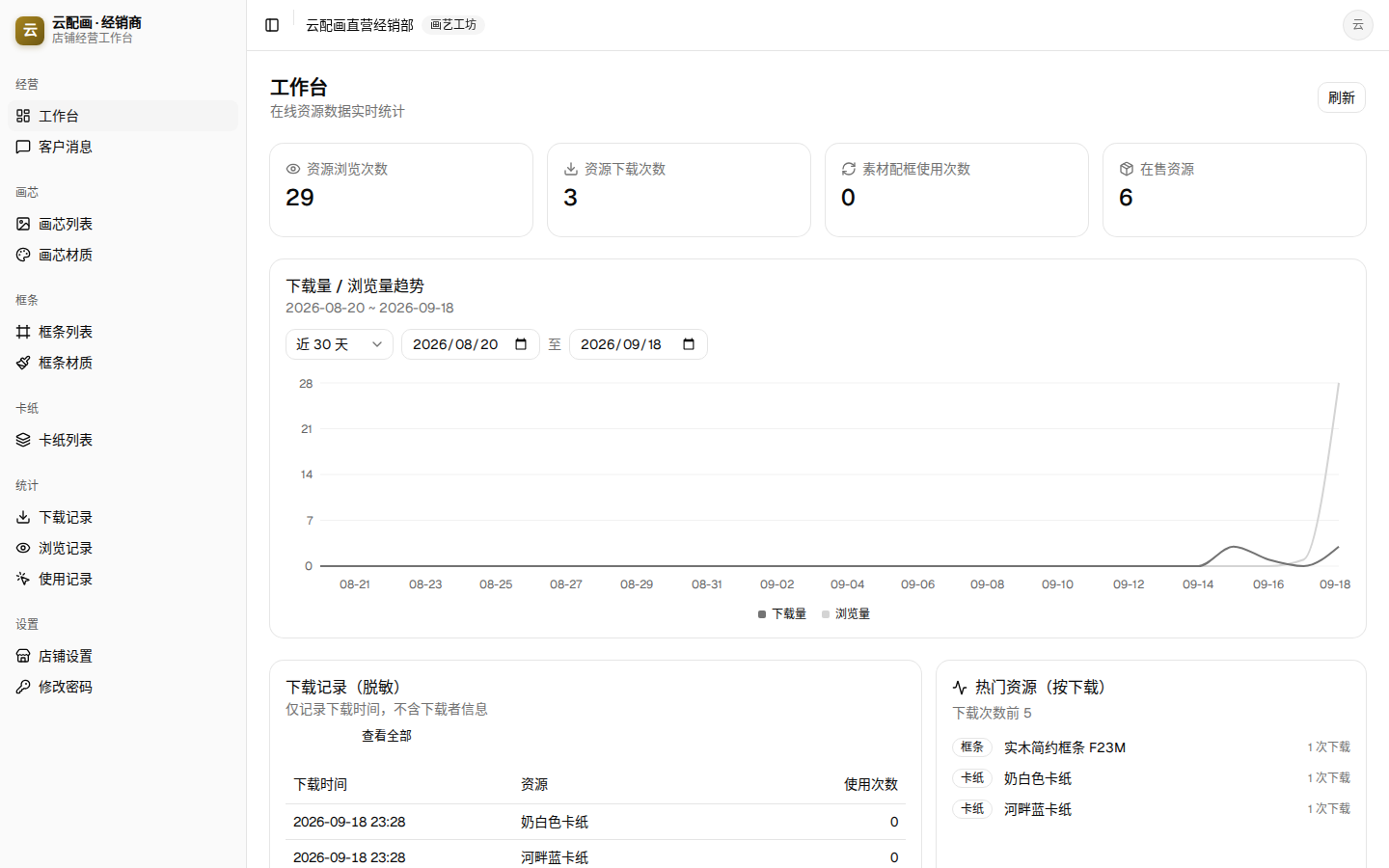
Suggested order: maintain your material vocabulary → publish products → submit for review → start selling.