Support Tickets
Use the ticket center to talk to support — every message is tracked.
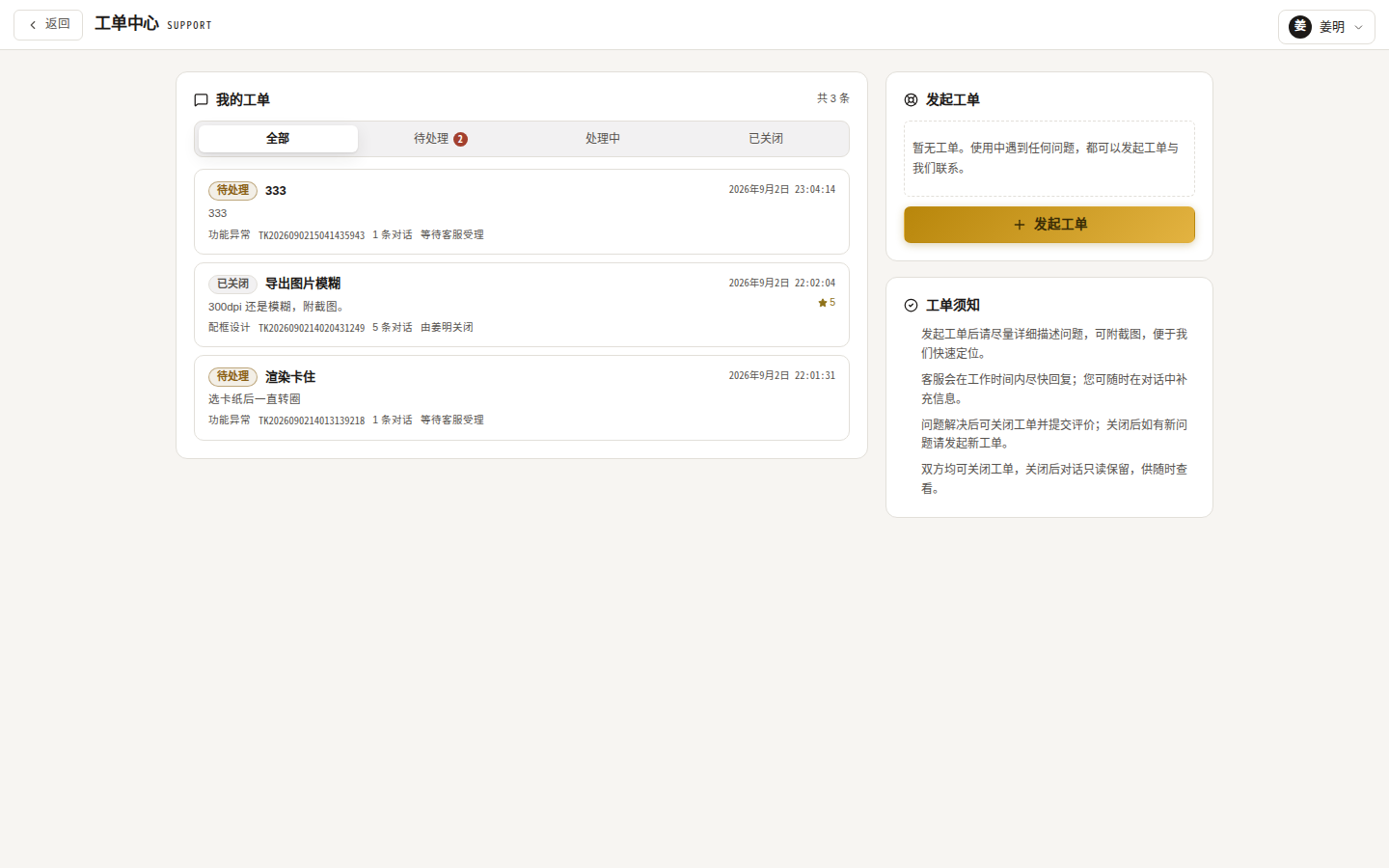
Filing a ticket
- User menu → “Ticket center” → “New ticket”;
- Fill in:
- Title (≥ 2 characters);
- Category: bug / framing design / membership & billing / account security / suggestion / other;
- Description;
- Screenshots (optional, up to 6 images, ≤ 10MB each);
- Submit — it lands in “Pending”.
Conversation & closing
- Tabs: All / Pending (badge with count) / Processing / Closed;
- Open a ticket to chat with support (images supported); the first staff reply moves it to “Processing”;
- Either side can close: when closing you may rate 1–5 stars with service tags (responsive / patient / professional / solved it / great attitude) and a comment;
- Closed tickets become read-only archives; one follow-up rating is allowed if you haven’t rated yet.
Notes
- Attachments follow the same 10MB limit;
- For a new problem after closing, please open a new ticket referencing the old number.