Analytics & Messages
Dashboard
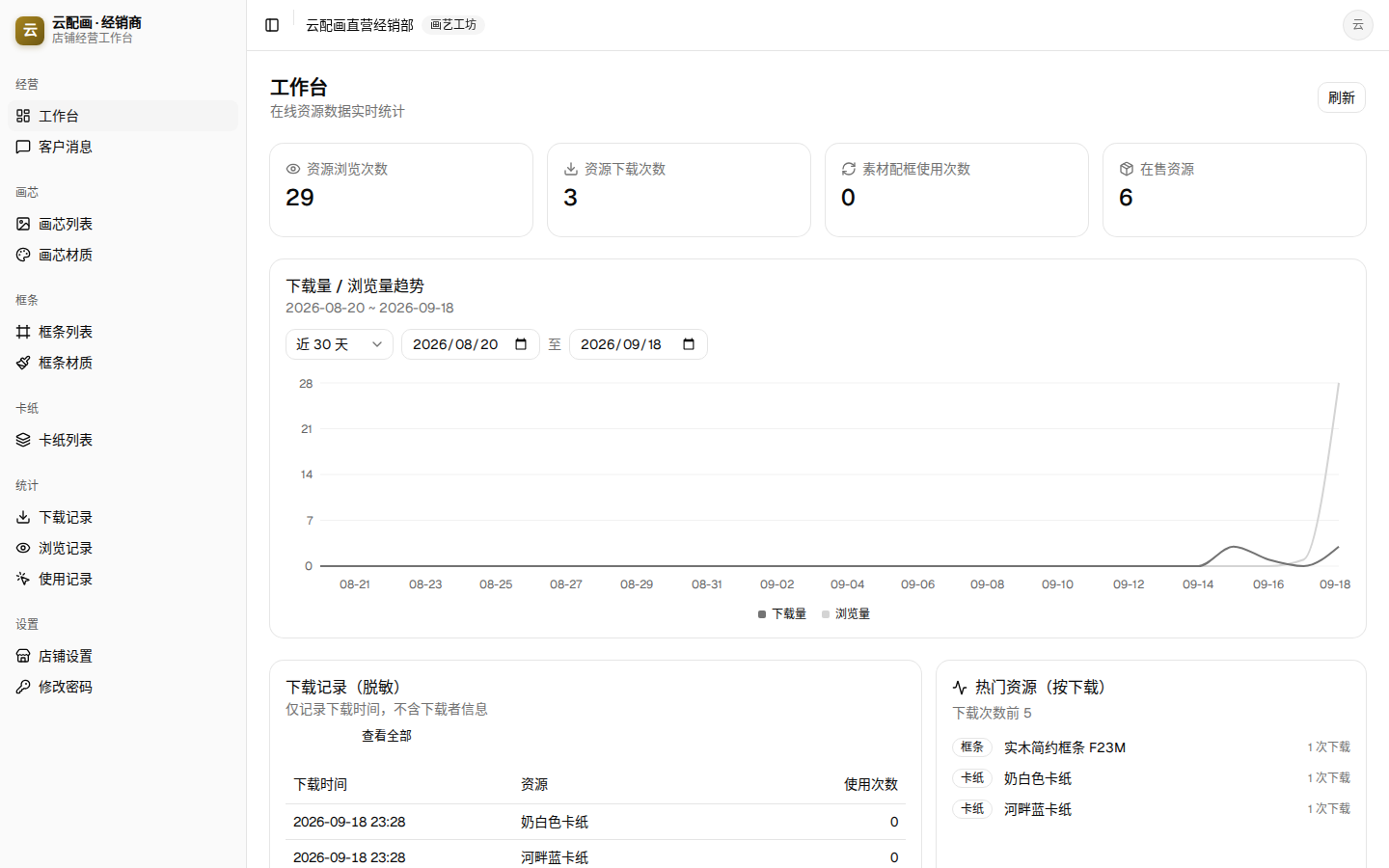
The landing page is your live analytics desk with four counters: resource views, resource downloads, framing usages, on-sale resources.
The “Downloads / Views trend” chart switches between the last 7 / 30 / 90 days or a custom date range. Below it, two cards show recent download records (anonymized) and top resources by downloads (first 5).
Three record types
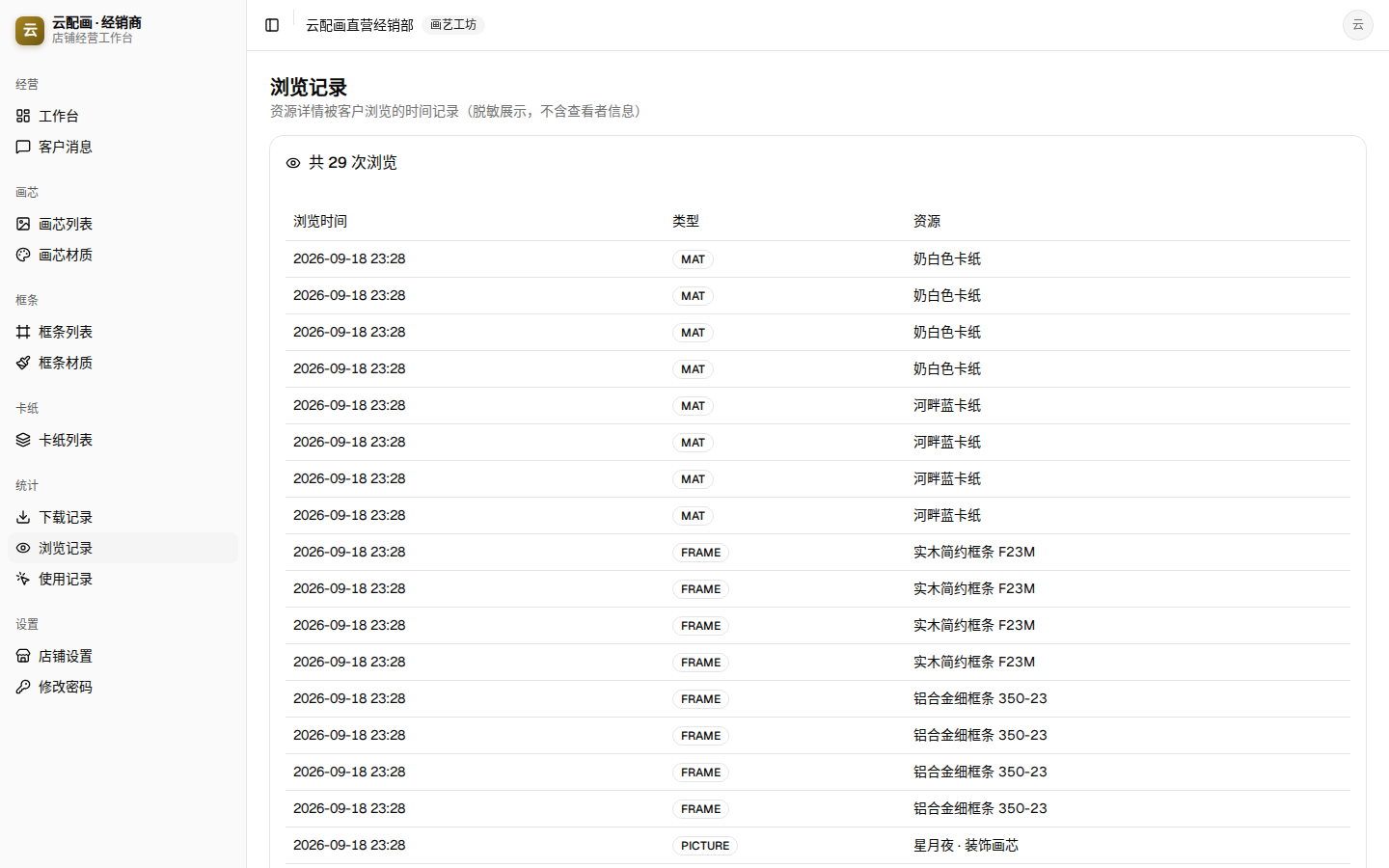
The “Analytics” group holds the full, anonymized ledgers — time, type and resource only, never buyer identities:
| Page | Recorded content |
|---|---|
| Downloads | When a buyer saved a resource into their library, plus its framing-usage count |
| Views | When a buyer opened the product detail page |
| Usages | When a downloaded resource was used for framing |
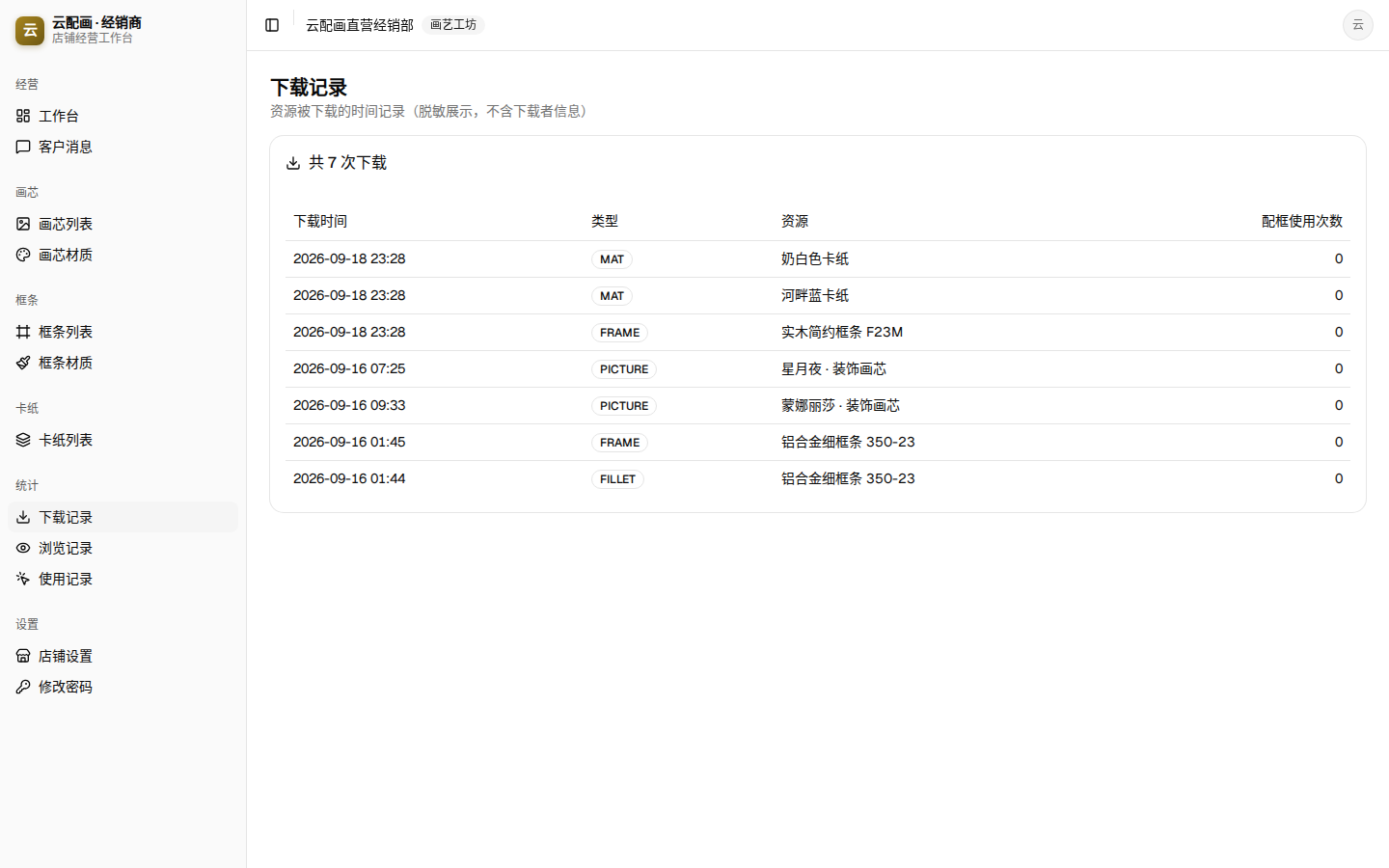
Frame-strip products can be downloaded as a “frame strip” or a “fillet”; the records label the two forms separately.
Buyer messages
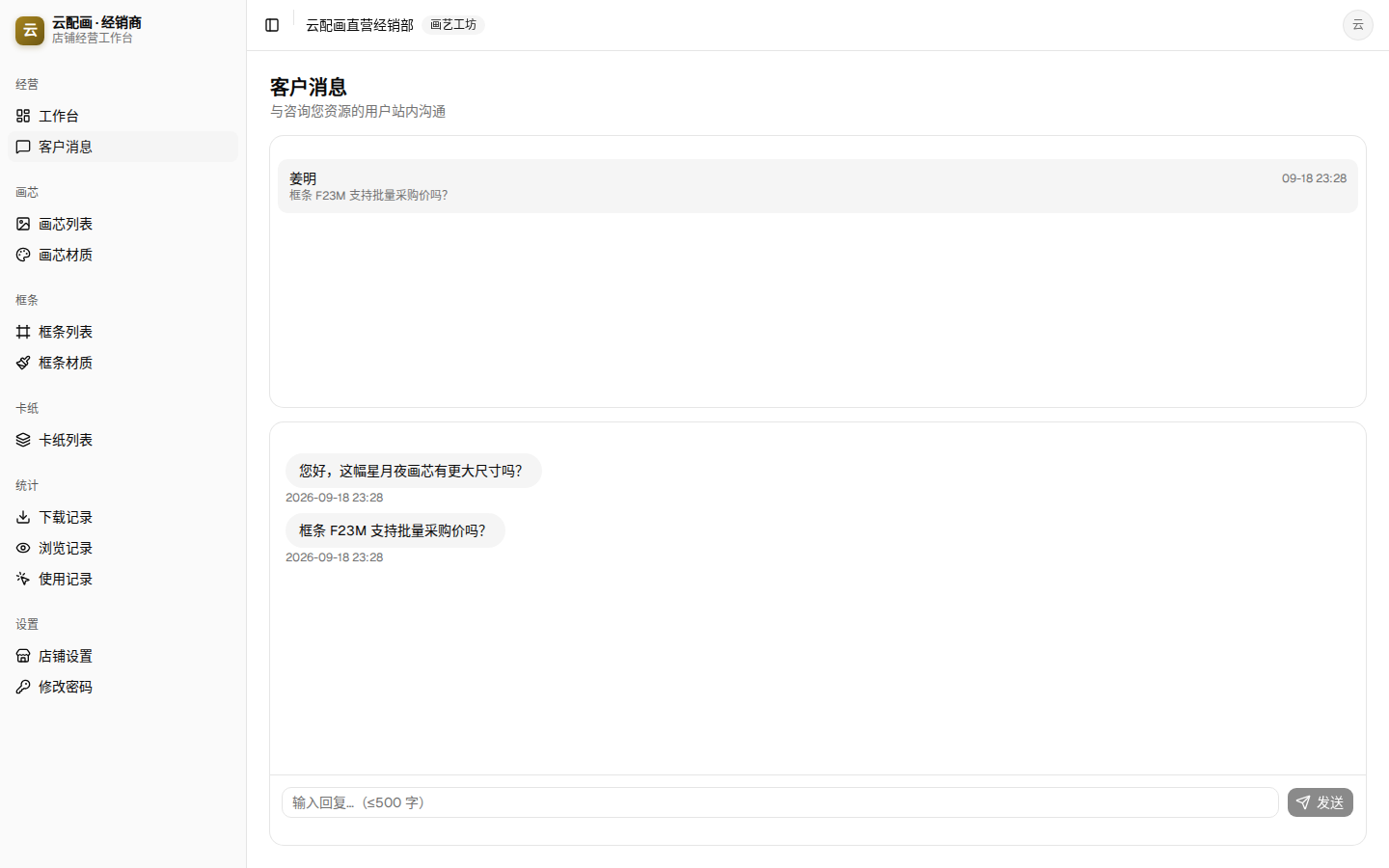
Buyers can start an in-mall chat from any product or store page. “Messages” lists conversations on the left (with unread badges) — opening one clears its badge; type a reply (≤ 500 characters) on the right and the buyer gets an unread alert.